Know before
you repair.
Scan your car, understand the data, and get AI-guided next steps before you approve a repair.
Brrrum connects your Android phone to compatible ELM327 Bluetooth or Wi-Fi adapters, giving you access to OBD2 trouble codes, live vehicle data and structured AI-assisted analysis.
Your car gives you data.
Brrrum helps make sense of it.
Trouble codes and sensor readings can tell you a lot about a vehicle, but raw OBD2 data is easy to misunderstand.
Brrrum combines a capable OBD2 scanner with structured AI-assisted analysis to help you move from “What does this code mean?” to “What should I investigate next?”
Understand the evidence before you spend money on the repair.
A trouble code is a diagnostic clue, not proof that a specific part has failed.
Connect. Scan. Understand.
-
Connect your adapter
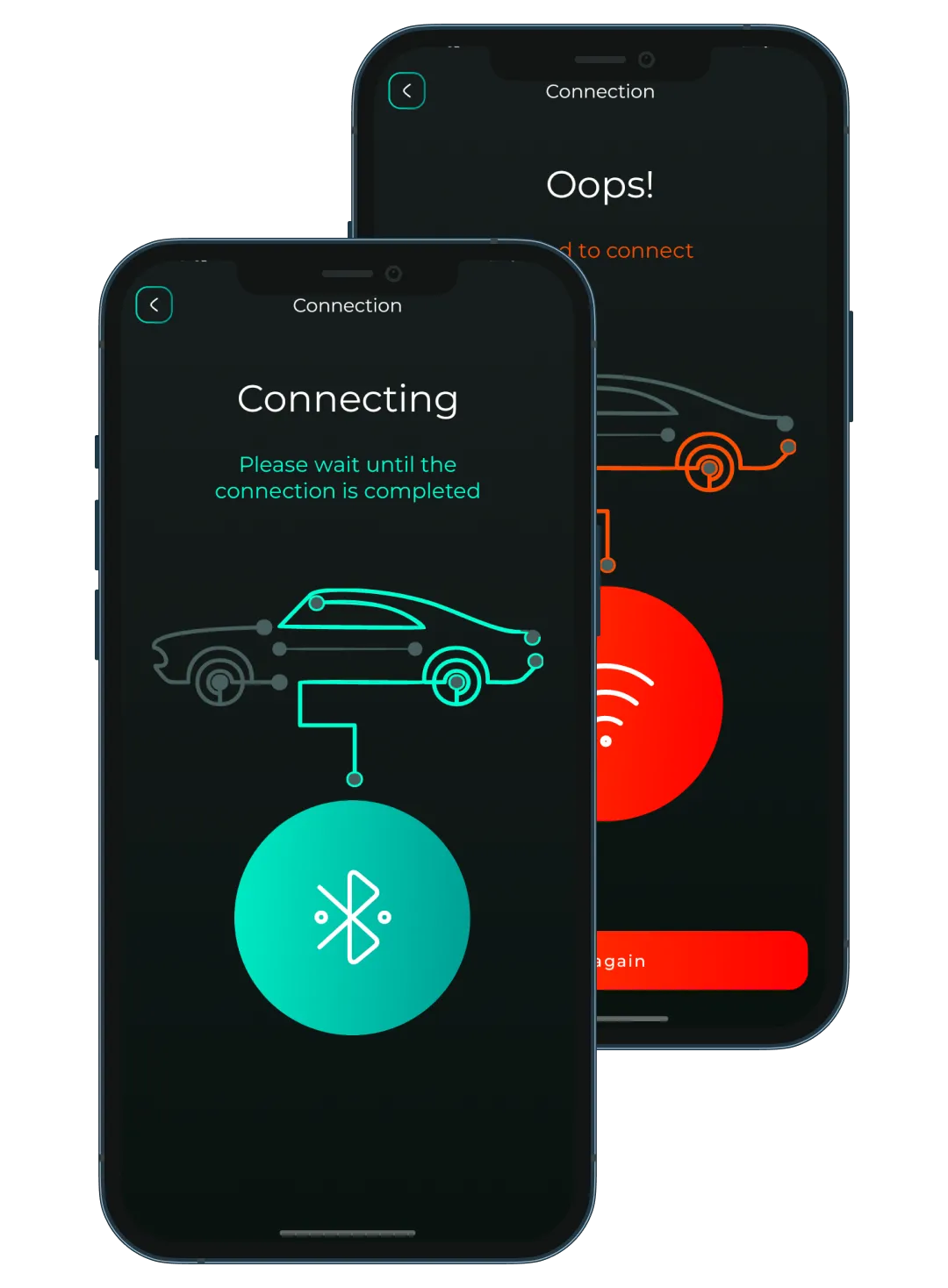
Plug a compatible ELM327 adapter into your vehicle’s OBD2 port and connect from your Android phone using Bluetooth or Wi-Fi.
-
Scan your vehicle
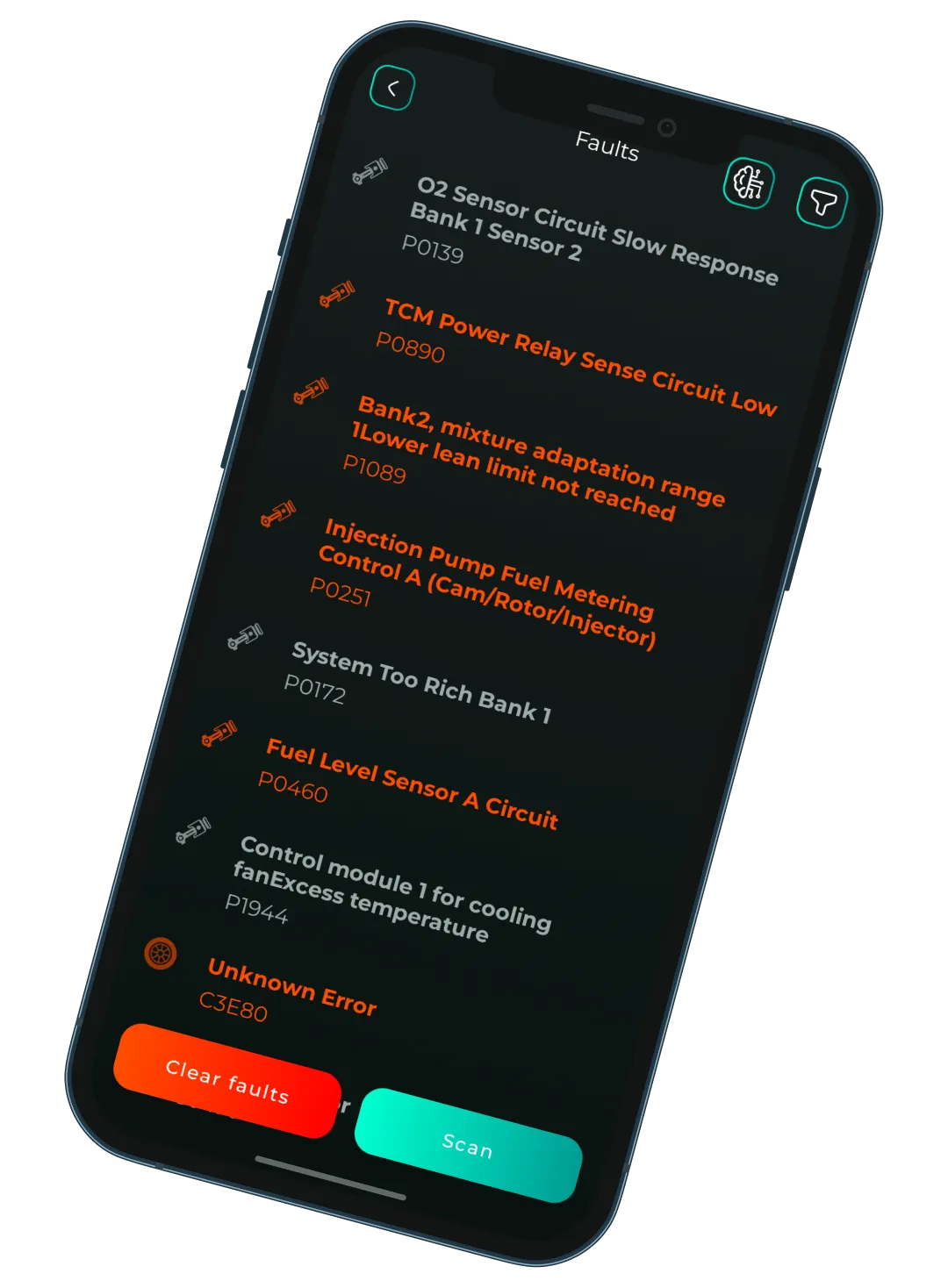
Read stored, pending and permanent trouble codes, access freeze-frame information and view supported live sensor data from your car.
-
Understand what to check next
Choose an AI-assisted analysis and let Brrrum turn selected codes and collected vehicle data into a clearer explanation and practical next checks.
P0420 · catalyst efficiency below threshold, bank 1
Downstream O₂ voltage tracks the upstream sensor closely. Consistent with a converter losing storage capacity, but upstream sensor drift or an unrepaired misfire can produce the same signal.
AI analysis built around your actual vehicle data.
Brrrum does not start by asking you to write the perfect prompt.
Choose a guided analysis for areas such as fuel consumption, cooling, O2 / lambda sensors, ignition and misfires, engine performance, EGR or fuel trim.
Brrrum can collect relevant supported OBD2 data over a selected period, combine it with selected trouble codes and send a structured request for AI-assisted analysis.
More context than a code lookup.
One trouble code rarely tells the whole story. Brrrum can analyze one code, multiple selected codes or collected sensor data to help explain what the available evidence may indicate.
The goal is not fake certainty. The goal is a better-informed next step.
AI-generated analysis can be incomplete or incorrect and does not replace professional vehicle diagnosis.
A real OBD2 scanner first.
Brrrum gives you the diagnostic tools you expect from an OBD2 app, then adds a clearer layer of interpretation when you need it.
Read trouble codes
View stored, pending and permanent OBD2 diagnostic trouble codes.
Clear codes
Clear supported diagnostic trouble codes after you have reviewed the available information.
Live sensor data
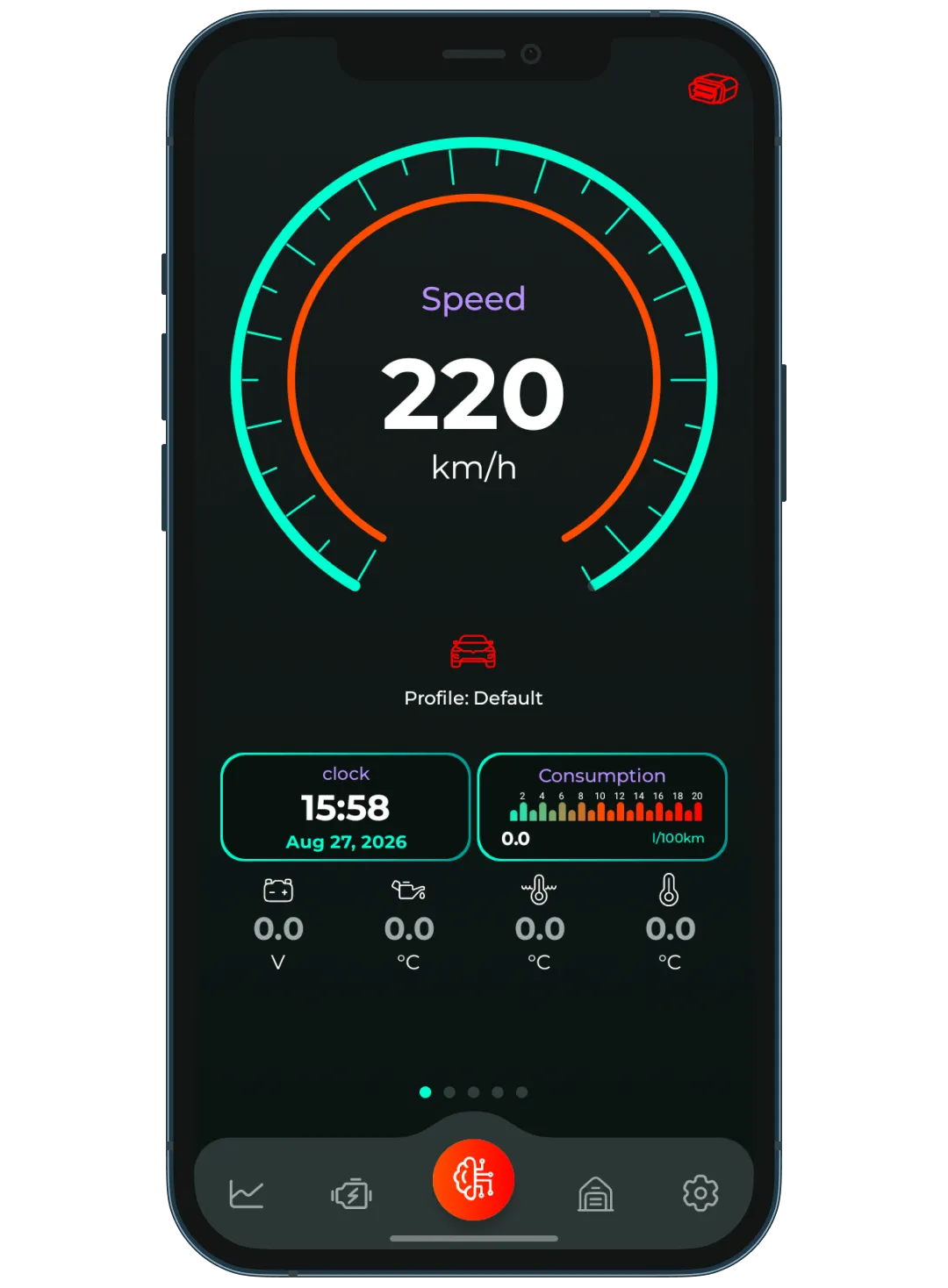
View supported OBD2 parameters such as RPM, speed, temperatures, battery voltage and other available PIDs.
Freeze frame
Review available freeze-frame data captured around a diagnostic event.
Custom dashboards
Build dashboards around the vehicle data that matters to you using multiple widget and gauge styles.
Graphs
Plot supported sensor values over time and compare multiple data streams.
Vehicle profiles
Keep separate profiles for multiple vehicles, including vehicle details and profile-specific settings.
Custom PIDs
Add custom PID lists and advanced initialization settings when you need more control.
Built for compatible ELM327 adapters.
Already have an ELM327 adapter? Brrrum is designed to connect to compatible adapters using Bluetooth or Wi-Fi, so your Android phone can communicate with your vehicle’s OBD2 system.
Available vehicle data depends on the vehicle, ECU, OBD2 protocol, adapter and supported parameters.
Your code is a clue, not a diagnosis.
Seeing P0420, P0300 or another
trouble code does not automatically tell you which component should be replaced.
Several different conditions can produce similar codes or sensor patterns.
Brrrum is designed to help you understand what the available data suggests, what it does not prove and what may be useful to investigate next.
Browse OBD2 trouble codes →Know what you know. Know what you don’t. Then decide what to do next.
Know what your car is telling you.
Read the data. Understand the evidence. Walk into the next repair decision better informed.